Cat Battles Controls Guide: Master the Ultimate Roblox Feline Fighting Game
Learn all the essential cat battles controls for Roblox. Master punching, grabbing, special abilities, and ring tactics to toss opponents out and win!
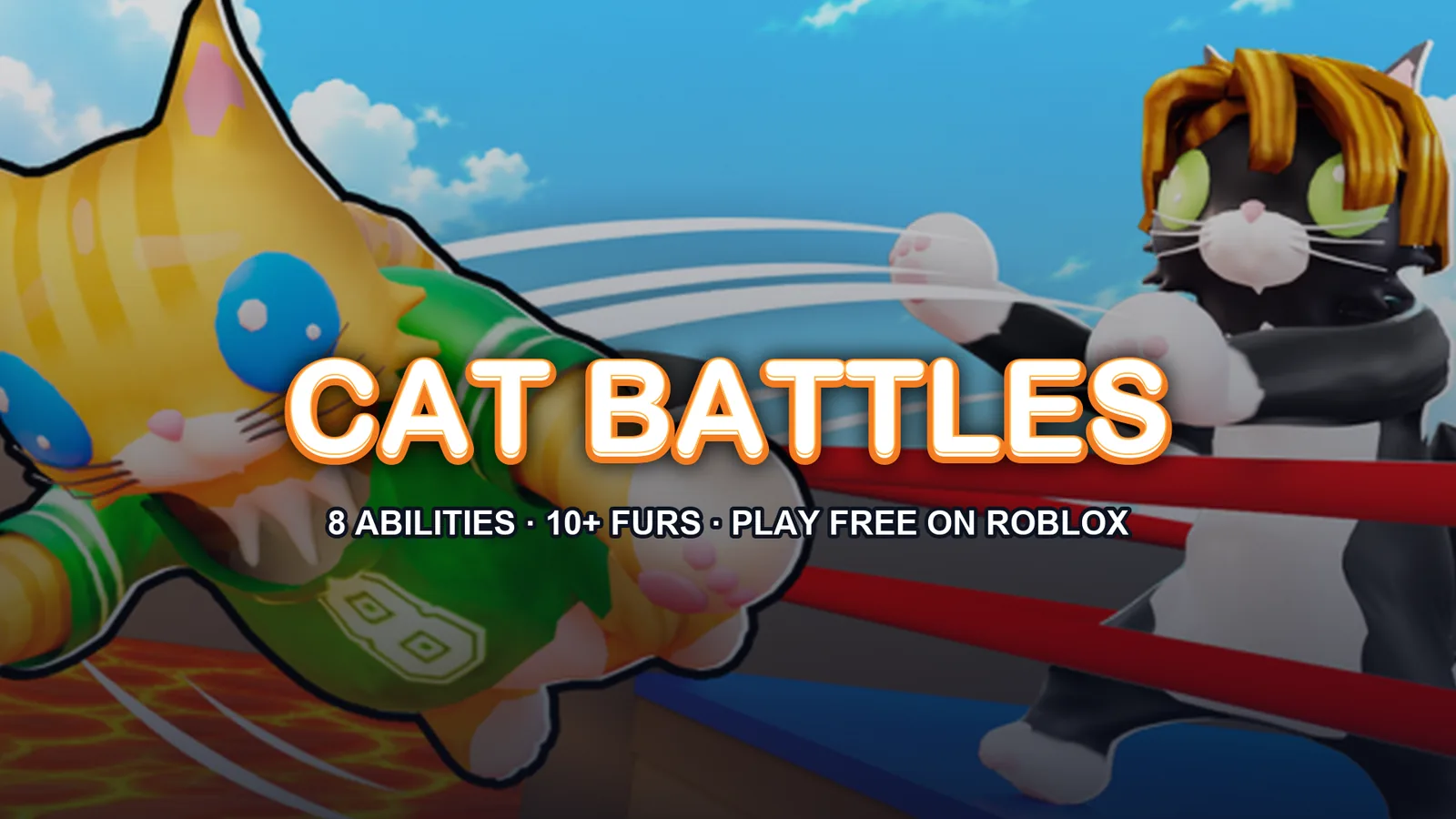
Ready to push, slap, and toss your way to the top of the arena? Mastering the cat battles controls is the absolute best way to ensure you are the last feline standing in this action-packed Roblox experience. Whether you are entirely new to the arena or looking to refine your competitive edge, understanding the cat battles controls will completely transform your gameplay from chaotic button-mashing to precise, calculated domination.
Developed by Cute Malt Games, this battlegrounds fighting game challenges players to shove rivals out of the ring using a variety of basic inputs and incredible special abilities. In this comprehensive guide, we will break down every single input, ability, and tactical tip you need to know to rule the arena.
Complete Cat Battles Controls Reference Sheet
Before diving into advanced tactics, you need to memorize the foundational inputs. Knowing your way around your keyboard and mouse allows you to react instantly when an opponent tries to blindside you.
The core layout relies on a mix of standard combat inputs and specific mobility buttons. Review the table below for a quick-reference breakdown of the standard PC inputs used in the game.
| Action | Input / Button | Description |
|---|---|---|
| Punch | Left Click | Basic fast attack to stagger opponents and build pressure. |
| Grab | Right Click | Latch onto rival cats to position them for a throw or toss. |
| Kick | F Key | A heavier impact strike to push enemies back further. |
| Lift | Shift Key | Elevate a grabbed opponent to prepare for ring-outs. |
| Ability | Q Key | Activate your equipped special power (Dash, Pounce, etc.). |
Understanding Basic Combat Actions
Combat in this experience is fast-paced and revolves entirely around positioning. Because the objective is to knock other players out of the ring rather than merely deplete a health bar, your offensive toolkit is designed around displacement.
Let's examine how each basic input functions in a real match scenario. Utilizing these actions effectively will keep you safe while putting constant pressure on your rivals.
| Combat Move | Tactical Purpose | Best Situation to Use |
|---|---|---|
| Left-Click Punch | Interrupts enemy combos and stuns briefly. | Close-quarters neutral game and rapid chipping. |
| Right-Click Grab | Initiates wrestling and positioning control. | Punishing players who miss heavy attacks near edges. |
| F-Key Kick | Deals solid knockback distance. | Creating breathing room when surrounded by multiple cats. |
| Shift-Key Lift | Takes away the opponent's movement options. | Right before carrying someone toward the ring boundary. |
Mastering Special Abilities (8 Power-Ups)
A massive part of mastering the cat battles controls involves knowing how and when to deploy your special ability using the Q key. There are eight unique abilities available in the game, each offering a completely different playstyle.
Choosing the right ability can drastically change your win rate. Check out the table below to see what each power-up does and how to best utilize it during a chaotic bout.
| Ability Name | Function & Effect | Recommended Strategy |
|---|---|---|
| Dash | Rapid forward burst of speed. | Use to close distance quickly or escape ring-outs. |
| Pounce | Leap toward targets to close gaps. | Great for ambushing unsuspecting players near edges. |
| Hiss | Intimidates or disrupts nearby enemies. | Pop this when surrounded to scatter opponents. |
| Anchor | Roots your position so you cannot be shoved. | Essential when defending against heavy grab attempts. |
| Stomp | Creates a localized shockwave around you. | Excellent crowd control when multiple cats crowd your space. |
| Catnip | Buffs your overall speed and energy. | Activate right before initiating a heavy offensive push. |
| Fluff Up | Increases your physical size and presence. | Makes you harder to grab and boosts your shove power. |
| Hairball | Projectile attack that disrupts from afar. | Use to interrupt enemies charging special moves. |
Game Modes and Arena Tactics
You won't just be fighting in a free-for-all environment; the game features multiple matchmaking playlists to keep things fresh. Knowing the cat battles controls helps you adapt whether you are playing solo or relying on teammates.
According to the official Roblox Game Page for Cat Battles, players can dive into three distinct arena setups. Coordinating your inputs effectively across these modes is key to climbing the leaderboards.
| Game Mode Type | Team Size / Setup | Winning Objective |
|---|---|---|
| Classic | Free-For-All (up to 10 players) | Be the absolute last cat standing in the arena. |
| 2 Teams | Split into two competing factions | Eliminate all members of the opposing team. |
| 4 Teams | Four smaller squads battle simultaneously | Work with teammates to secure territory and ring control. |
Progression, Customization, and Earning Coins
Every bout you participate in rewards you with coins, regardless of whether you win or get tossed out first. You can stack up your currency and visit the in-game store to unlock exciting cosmetic and functional upgrades.
Community reports indicate that opening crates is the primary way to collect rare furs, sumo gear, and custom emotes to show off your personal style in the lobby.
| Reward Category | Items Available | How to Unlock |
|---|---|---|
| Rare Furs | Ginger, Tuxedo, Calico, Tiger, Snow Leopard, Gold, Crystal, Rainbow, Galaxy, Glitch | Open crates using earned match coins. |
| Sumo Gear | Heavy belts, decorative wraps, themed outfits | Purchase through crates and store rotations. |
| Emotes | Dance moves, taunts, victory poses | Unlock via match rewards and special promotional codes. |
Frequently Asked Questions
What are the basic cat battles controls for PC?
The primary inputs include Left Click to punch, Right Click to grab, the F key to kick, the Shift key to lift opponents, and the Q key to activate your equipped special ability.
How do I use special abilities in the game?
Once you have equipped your preferred ability from your loadout, simply press the Q key during a match to trigger its effect, such as dashing, stomping, or fluffing up.
How can I get free coins to open crates?
You can earn coins naturally by playing matches and participating in bouts. Additionally, developers frequently release promotional codes (like RELEASE, NEWGAME, and CATS) that you can redeem for free starting cash.
How many players can fit in a single match?
Matches support a maximum of 10 players, allowing for chaotic, fast-paced showdowns across Classic, 2 Teams, and 4 Teams matchmaking modes.
Related Guides

Cat Battles How to Play: Ultimate Beginner Guide to Roblox Feline Chaos
Master cat battles how to play with our complete Roblox guide. Learn controls, abilities, game modes, and winning strategies to toss rivals out of the ring!
The Ultimate Cat Battles Beginner Guide: Master Roblox's Wildest Feline Fighting Game
Jump into Cute Malt Games' physics-fighter with this cat battles beginner guide. Learn controls, abilities, strategies, and claim free codes!
The Ultimate Cat Battles Guide: Master Moves, Furs & Strategies
Dominate the ring in Cute Malt Games' hit experience with this ultimate cat battles guide covering combat controls, abilities, rare furs, and codes.
The Ultimate Cat Battles Wiki: Guide to Controls, Furs, and Abilities
Explore the ultimate cat battles wiki guide for Roblox. Master controls, discover rare furs, unlock powerful abilities, and win every ring match.