Cat Battles How to Play: Ultimate Beginner Guide to Roblox Feline Chaos
Master cat battles how to play with our complete Roblox guide. Learn controls, abilities, game modes, and winning strategies to toss rivals out of the ring!
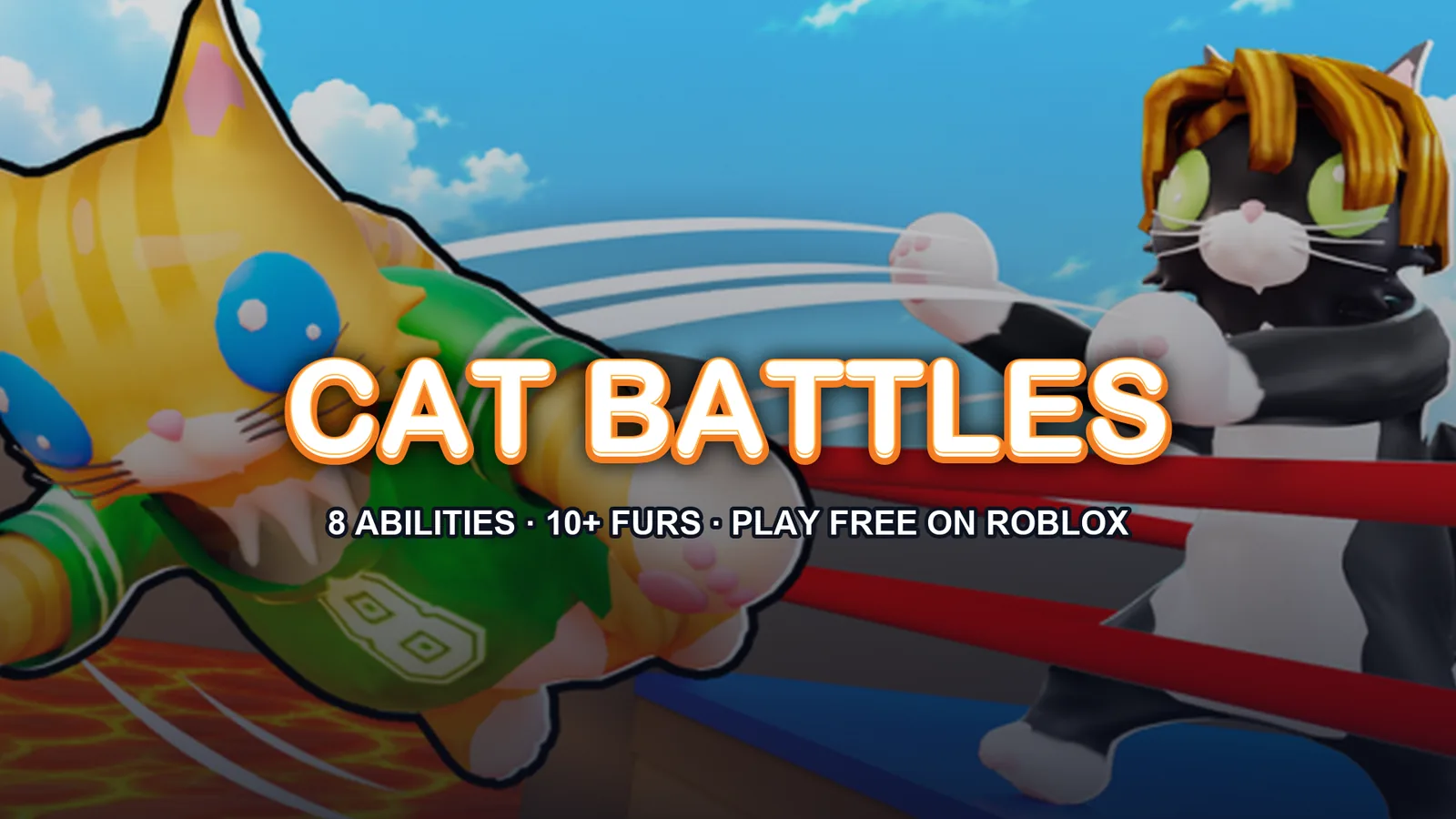
Ready to push, slap, and toss your way to the top of the ring? Understanding cat battles how to play basics is essential if you want to survive the absolute furry chaos of this Roblox fighting hit. Whether you are wondering cat battles how to play efficiently or just want to know the best tricks to outlast your opponents, this comprehensive guide has you covered from tail to whisker. Developed by Cute Malt Games, this action-packed battlegrounds experience challenges players to be the last feline standing.
Core Controls and Basic Combat Mechanics
Mastering the foundational inputs is the first step when learning cat battles how to play. Fights in the arena are fast-paced and require quick reflexes, so getting comfortable with your keyboard and mouse configuration will immediately elevate your gameplay.
| Action | Control Input | Description |
|---|---|---|
| Punch | Left Click | Your primary fast attack to stagger opponents |
| Grab | Right Click | Latch onto rival cats for close-range manipulation |
| Kick | F Key | Deliver a swift kick to break enemy guards |
| Lift | Shift Key | Pick up stunned or grabbed cats to prepare for a toss |
| Ability | Q Key | Activate your equipped special power |
According to community reports, practicing your grab-and-lift combos in the training phase is the fastest way to build muscle memory before jumping into chaotic matches.
Unleashing Feline Abilities
Once you grasp the standard movement and strikes, you need to understand how special powers fit into cat battles how to play. Each cat can equip and utilize unique abilities using the Q key. These powers can change the momentum of a round in a split second, whether you are trying to escape a dangerous corner or launch an aggressive assault.
| Ability Name | Tactical Purpose | Best Usage Scenario |
|---|---|---|
| Dash | Rapid mobility boost | Escaping ring-outs or closing distance quickly |
| Pounce | Leap forward to close gaps | Ambushing unsuspecting cats near the edge |
| Hiss | Intimidating area-of-effect stagger | Creating breathing room when surrounded |
| Anchor | Heavy stance to resist being pushed | Defending against incoming tosses or kicks |
| Stomp | Ground-pound shockwave | Disrupting enemy groups in tight spaces |
| Catnip | Stimulant buff | Boosting speed and offense during a fierce bout |
| Fluff Up | Size expansion | Making it harder for enemies to grab and throw you |
| Hairball | Ranged projectile attack | Harassing opponents from a safe distance |
Experimenting with different abilities will help you find a playstyle that suits your personal preferences. For official updates on new mechanics, check out the Roblox Game Page.
Exploring Game Modes and Match Types
Knowing cat battles how to play across different environments ensures you are never caught off guard. The game features multiple playlists that completely alter how matches flow. Playing strategically in teams requires entirely different tactics compared to a chaotic free-for-all.
| Game Mode | Team Structure | Winning Condition | Tactical Focus |
|---|---|---|---|
| Classic | Free-for-all (Solo) | Last cat standing | Survival, opportunistic striking, edge positioning |
| 2 Teams | Two opposing squads | Most surviving members / total knockouts | Group coordination and covering teammates |
| 4 Teams | Four competing factions | Elimination of rival groups | Territory control and cross-fire management |
Player experience indicates that Classic mode is the best place to practice solo survival skills, while team modes reward coordinated pushes and defensive anchoring.
Collecting Currencies, Furs, and Gear
Winning bouts is not just about bragging rights. Every match rewards you with coins that fuel your progression. A major part of cat battles how to play involves customizing your cat's appearance and gear to stand out in the arena.
| Item Category | What You Can Unlock | How to Obtain |
|---|---|---|
| Rare Furs | Ginger, Tuxedo, Calico, Tiger, Snow Leopard, Gold, Crystal, Rainbow, Galaxy, Glitch | Opening crates using earned coins |
| Sumo Gear | Specialized wrestling accessories | Purchased from crates or special event stores |
| Emotes | Taunts and victory animations | Unlocked through gameplay rewards and codes |
Be sure to redeem active promotional codes like RELEASE, NEWGAME, and CATS to get a quick boost of free coins when you first start playing.
Winning Strategies and Advanced Tactics
If you want to move past the beginner phase and consistently secure victory royales, you need to adopt advanced habits. Perfecting cat battles how to play at a high level relies on positioning, environmental awareness, and resource management.
- Control the Center: Avoid hugging the edges of the ring unless you are setting up an ambush. Staying near the middle gives you more room to retreat if someone attempts to toss you.
- Master the Counter-Grab: If an opponent tries to grab you, use your Hiss or Dash ability to break their hold and turn the tables.
- Combine Shifts and Kicks: Lifting an opponent with Shift and walking them toward the boundary line before hitting them with a heavy strike is the most reliable way to secure a ring-out.
- Manage Your Cooldowns: Never spam your Q ability blindly. Save your movement powers for emergency recoveries when you are flying through the air.
Frequently Asked Questions
What are the main controls for cat battles how to play?
The core controls include Left Click for punching, Right Click for grabbing, F for kicking, Shift for lifting opponents, and Q to activate your equipped special ability.
How do I earn coins in the game?
You earn coins simply by participating in and winning bouts across the different game modes. You can also redeem active promotional codes for instant coin bonuses.
What are the best abilities to use?
It depends on your playstyle. Dash and Pounce are fantastic for mobility, while Anchor and Fluff Up are ideal for defensive players who want to avoid being tossed out of the ring.
Can I play with my friends in teams?
Yes! You can queue up for Classic mode, 2 Teams, or 4 Teams, allowing you to either fight entirely on your own or coordinate with friends to dominate rival factions.
Related Guides

Cat Battles Controls Guide: Master the Ultimate Roblox Feline Fighting Game
Learn all the essential cat battles controls for Roblox. Master punching, grabbing, special abilities, and ring tactics to toss opponents out and win!
The Ultimate Cat Battles Beginner Guide: Master Roblox's Wildest Feline Fighting Game
Jump into Cute Malt Games' physics-fighter with this cat battles beginner guide. Learn controls, abilities, strategies, and claim free codes!
The Ultimate Cat Battles Guide: Master Moves, Furs & Strategies
Dominate the ring in Cute Malt Games' hit experience with this ultimate cat battles guide covering combat controls, abilities, rare furs, and codes.
The Ultimate Cat Battles Wiki: Guide to Controls, Furs, and Abilities
Explore the ultimate cat battles wiki guide for Roblox. Master controls, discover rare furs, unlock powerful abilities, and win every ring match.